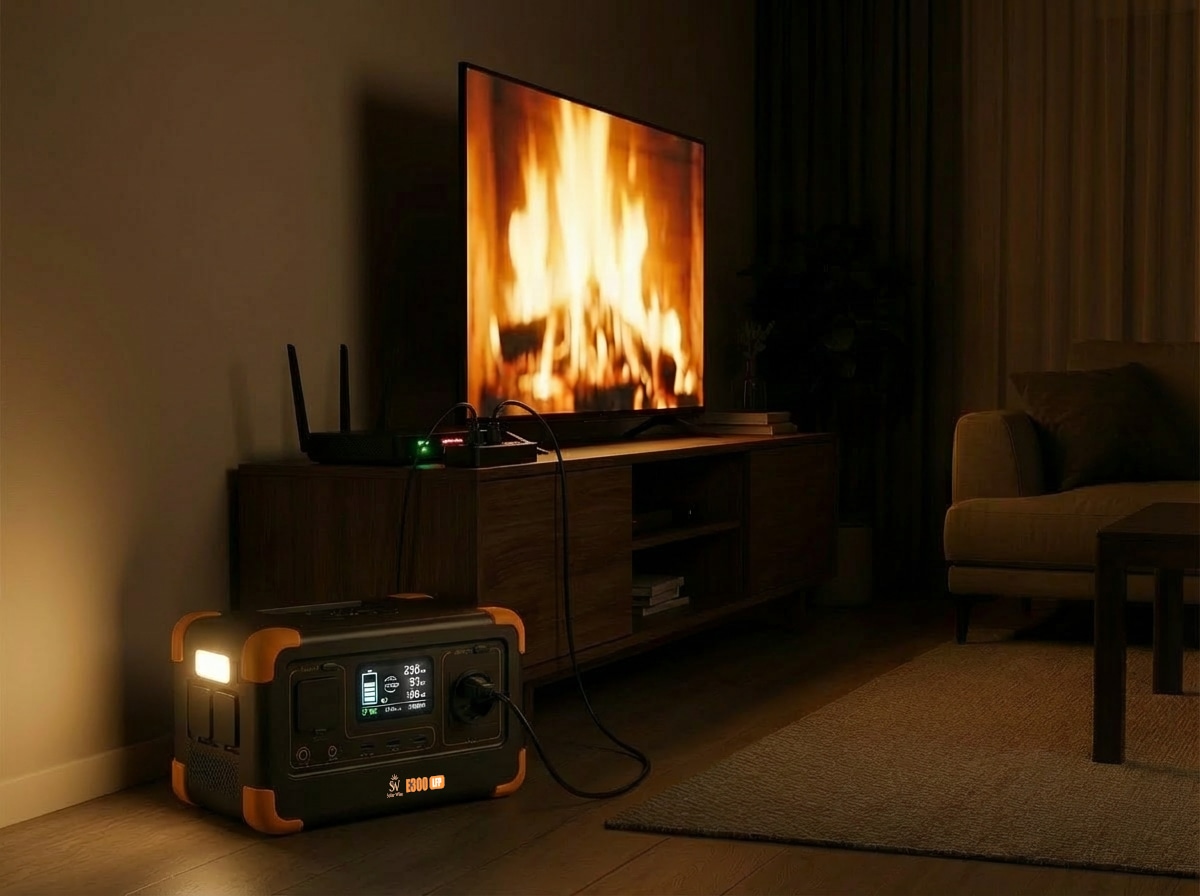
How Long Can a Portable Power Station Run a Wi-Fi Router During a Power Outage
How long can a portable power station run a Wi-Fi router during an outage? Compare E300LFP and E500LFP runtime and UPS transfer.
Solar Wise Energy Team
Portable Energy Specialists
How Long Can a Portable Power Station Run a Wi-Fi Router During a Power Outage?
One of the first problems during a power outage is losing your home or office internet connection.
Even if your internet provider's network remains operational, your connection will stop if the modem, router or other networking equipment in your home no longer has power.
A compatible portable power station can provide backup energy for networking equipment such as modems and Wi-Fi routers.
But how long can it keep your internet equipment running?
The answer depends on the actual power consumption of your networking equipment, the battery capacity of the portable power station and any other devices being powered at the same time.
Why Does the Internet Stop During a Power Outage?
An active internet provider network alone is not enough to maintain your connection.
Your modem, Wi-Fi router and any additional network equipment must also remain powered.
When these devices lose power, your local Wi-Fi network shuts down.
A backup power source can therefore help keep compatible networking equipment operating while grid electricity is unavailable.
Can a Modem or Router Run from a Portable Power Station?
Yes, provided that its electrical requirements are compatible with the power station.
Before connecting networking equipment, check:
VoltageCurrentPower adapter specificationsPower requirementsThis information can usually be found on the device, its power adapter or in the manufacturer's technical documentation.
Portable power station guide:
https://solarwise.com.tr/blog/tasinabilir-guc-istasyonu-nedir
How Long Can the E300LFP Run a Wi-Fi Router?
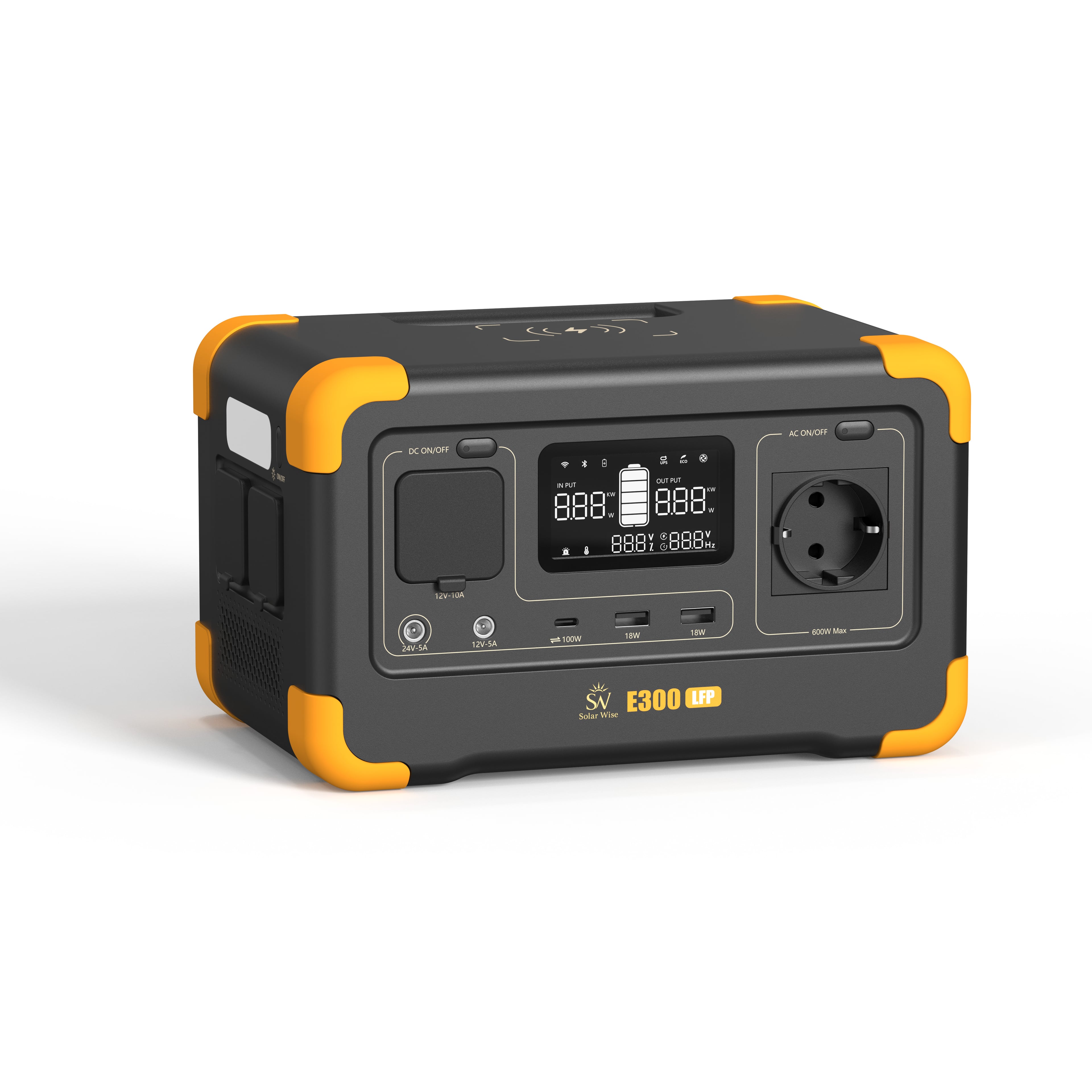
The Solar Wise E300LFP features:
288Wh LiFePO4 battery capacity
600W continuous pure sine wave AC output
According to current Solar Wise product usage data, the E300LFP can operate a Wi-Fi router for up to 20 hours.
Actual runtime can vary depending on the modem or router's power consumption, operating settings, environmental conditions and other connected loads.
Solar Wise E300LFP:
https://solarwise.com.tr/urun/e300lfp
How Long Can the E500LFP Run a Wi-Fi Router?
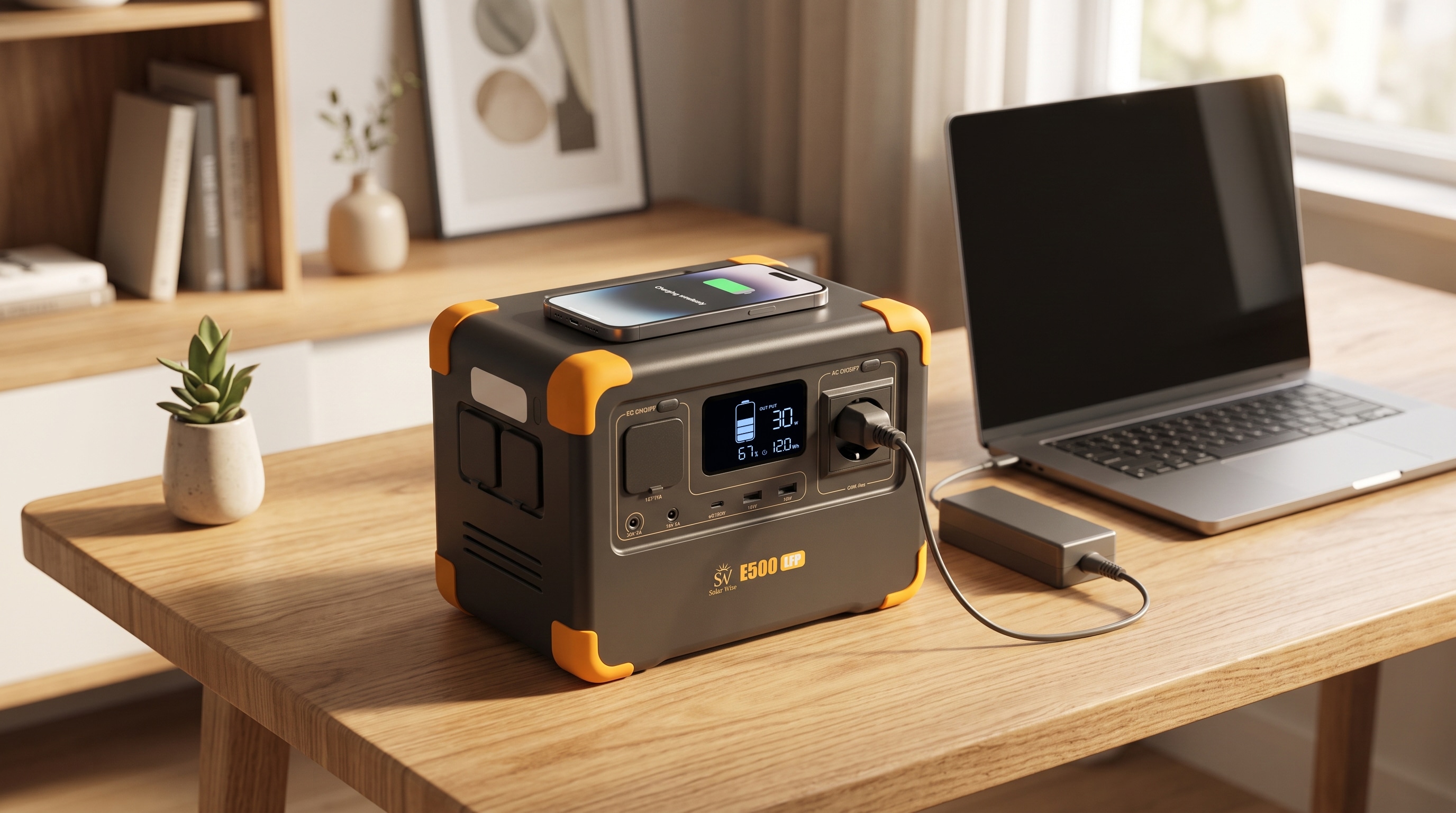
The Solar Wise E500LFP features:
576Wh LiFePO4 battery capacity
600W continuous pure sine wave AC output
According to current Solar Wise usage data, the E500LFP can operate a Wi-Fi router for up to 40 hours.
Because the E500LFP stores more energy than the E300LFP, it can provide longer backup operation under comparable conditions.
Actual runtime will still depend on the connected networking equipment and total system load.
Solar Wise E500LFP:
https://solarwise.com.tr/urun/e500lfp
E300LFP vs E500LFP Router Runtime
Current Solar Wise usage data:
E300LFP
Battery: 288Wh
Wi-Fi router: up to 20 hours
E500LFP
Battery: 576Wh
Wi-Fi router: up to 40 hours
These figures are approximate usage values.
Different modems and routers can consume different amounts of energy, so identical runtime should not be expected with every networking device.
Are a Modem and a Router the Same Device?
Not always.
Some internet service providers supply a single unit that combines modem and Wi-Fi router functions.
Other installations use separate devices.
For example, a fiber connection may include an ONT and a separate Wi-Fi router.
This matters because two powered devices consume more energy than one.
If your internet connection requires several devices, consider the combined power consumption of:
ModemFiber ONTWi-Fi routerMesh Wi-Fi unitsWhy Is UPS Functionality Important for a Router?
Battery capacity determines how long backup energy may be available, but transfer time can also matter.
If backup power takes too long to activate after grid electricity fails, a modem or router may shut down and restart.
Solar Wise E300LFP and E500LFP include built-in UPS support with an approximate 8–20 ms transfer time.
Solar Wise E300LFP:
https://solarwise.com.tr/urun/e300lfp
Solar Wise E500LFP:
https://solarwise.com.tr/urun/e500lfp
This feature can help compatible modems, routers, laptops, POS terminals and other everyday electronics transition to battery power during an outage.
Is 8–20 ms the Same as an Online UPS?
No.
The approximately 8–20 ms UPS transfer provided by the Solar Wise E300LFP and E500LFP is not a 0 ms online UPS.
Many everyday electronic devices can tolerate a short transfer interval, but equipment that specifically requires zero-millisecond transfer should use an appropriate professional online UPS.
UPS vs portable power station guide:
https://solarwise.com.tr/blog/ups-ile-tasinabilir-guc-istasyonu-farki
Can You Run a Router and Laptop at the Same Time?
Yes, provided the combined power requirements remain within the supported output limits of the power station.
During an outage you may, for example, use:
Wi-Fi routerLaptopSmartphone chargingat the same time.
However, adding more devices increases total energy consumption.
The stated router runtime of up to 20 or 40 hours should therefore not be expected when a laptop and other equipment are also continuously drawing power from the same battery.
How Do You Estimate Router Runtime?
Estimating runtime requires two important values:
Battery capacity in WhActual power consumption of the connected networking equipment in WSolar Wise practical runtime calculation:
Battery capacity (Wh) × 0.85 ÷ device consumption (W)
However, an exact calculation should not be made without knowing the actual power consumption of the specific modem or router.
Check the device's technical specifications before calculating expected runtime.
Portable power station runtime guide:
https://solarwise.com.tr/blog/guc-istasyonu-calisma-suresi-hesaplama
What if the Router Adapter Does Not Show Watts?
Some adapters show voltage and current rather than a direct wattage figure.
These electrical values can be used together with the manufacturer's device specifications to evaluate power requirements.
However, the maximum rating printed on an adapter does not necessarily mean that the modem or router constantly consumes that amount of power.
Manufacturer technical data should be used whenever available.
Does Fiber Internet Require an ONT During an Outage?
In some fiber installations, keeping only the Wi-Fi router powered may not be sufficient.
A separate Optical Network Terminal, or ONT, may also be required for the connection.
If the ONT loses power, the router may remain switched on but internet access may still be unavailable.
Check whether your installation includes separate:
ONTModemRouterequipment.
If multiple devices need backup power, their combined energy consumption should be considered.
What About Mesh Wi-Fi Systems?
Mesh Wi-Fi systems may include several powered access points throughout a home or office.
During a power outage, keeping only the main unit powered may change the available Wi-Fi coverage if the other mesh nodes are switched off.
Powering several mesh units simultaneously will also increase total energy consumption and reduce available battery runtime.
What Do You Need to Work from Home During an Outage?
Keeping a laptop on is only part of maintaining a remote-work setup.
You may also need power for:
Modem or routerFiber ONTLaptopExternal monitorSmartphoneLightingEvery additional connected device increases total energy consumption.
Learn what a 600W portable power station can run:
https://solarwise.com.tr/blog/600w-guc-istasyonu-neleri-calistirir
E300LFP or E500LFP for Internet Backup?
The decision should not be based only on the router.
First determine which devices you want to keep operating during an outage.
Current Solar Wise usage data states:
E300LFP: Wi-Fi router for up to 20 hours
E500LFP: Wi-Fi router for up to 40 hours
If laptops, phones, lights or other equipment will be used simultaneously, total energy requirements will be higher.
E300LFP:
https://solarwise.com.tr/urun/e300lfp
E500LFP:
https://solarwise.com.tr/urun/e500lfp
Can Solar Charging Help During a Long Outage?
A compatible solar panel can be used to recharge the portable power station when suitable sunlight is available.
Solar Wise E300LFP and E500LFP can be used with the compatible S100 solar panel.
This can provide another charging option during extended outages.
Solar Wise S100:
https://solarwise.com.tr/urun/s100
Solar charging guide:
https://solarwise.com.tr/blog/guc-istasyonu-gunes-paneli-ile-sarj
MaxPack models:
https://solarwise.com.tr/magaza
Power Outage Internet Checklist
Before setting up backup power for your internet connection:
Check the power requirements of your modem or router.If you use fiber, check whether a separate ONT also requires power.Identify all networking equipment that must remain active.Include laptops and monitors if they will also be used.Check the power station's battery capacity.Consider UPS transfer requirements.For longer outages, consider available recharging options.Conclusion
A compatible portable power station can provide backup energy for modems, Wi-Fi routers and other networking equipment during a power outage.
According to current Solar Wise usage data:
The E300LFP can operate a Wi-Fi router for up to 20 hours.
The E500LFP can operate a Wi-Fi router for up to 40 hours.
Actual runtime depends on the power consumption of the connected networking equipment and any additional loads.
The E300LFP and E500LFP also provide approximately 8–20 ms UPS transfer, helping compatible network equipment transition quickly to battery power when grid electricity fails.
Solar Wise E300LFP:
https://solarwise.com.tr/urun/e300lfp
Solar Wise E500LFP:
https://solarwise.com.tr/urun/e500lfp
UPS vs portable power station:
https://solarwise.com.tr/blog/ups-ile-tasinabilir-guc-istasyonu-farki
Comments
Be the first to comment
Log in to leave a comment.
Log InNo comments yet. Be the first to comment!